Features
Studying Anki decks
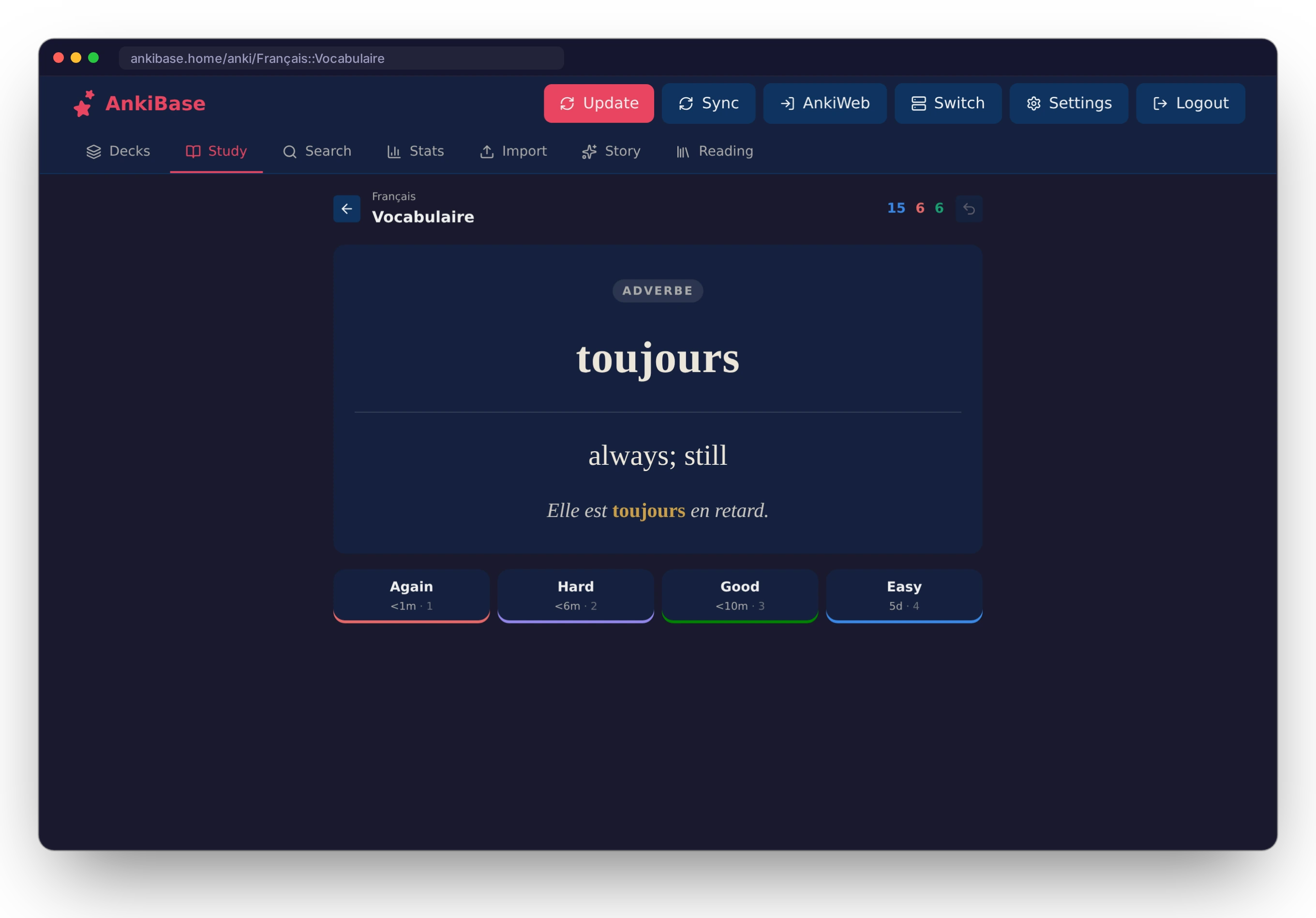
AnkiBase studies through Anki's own reviewer, which runs in AnkiBase's Anki engine (anki-cli, the same core as Anki Desktop). The order of cards, daily new and review limits, learning steps, burying and the intervals shown on the buttons all come straight from Anki. Each answer is a single quick round trip, so large collections stay fast.
Cards render like they do in Anki:
- Your note type's HTML and CSS run inside a sandboxed frame with Anki's
.cardand.nightModeclasses. Light themes use day mode. - Images and audio load from your collection's media folder through short-lived signed links.
[sound:…]tags become play buttons. Question audio plays automatically and the answer's audio plays on reveal. - Cloze, type-in answers (
{{type:…}}), MathJax (\( … \),\[ … \]) and card scripts are supported.
| Key | Action |
|---|---|
| Space / Enter | Show the answer, then answer Good |
| 1 – 4 | Again · Hard · Good · Easy |
| Ctrl+Z | Undo |
| R | Replay audio |
Card scripts run in an isolated origin. They can't read your AnkiBase session or call the API.
Quizlet sets
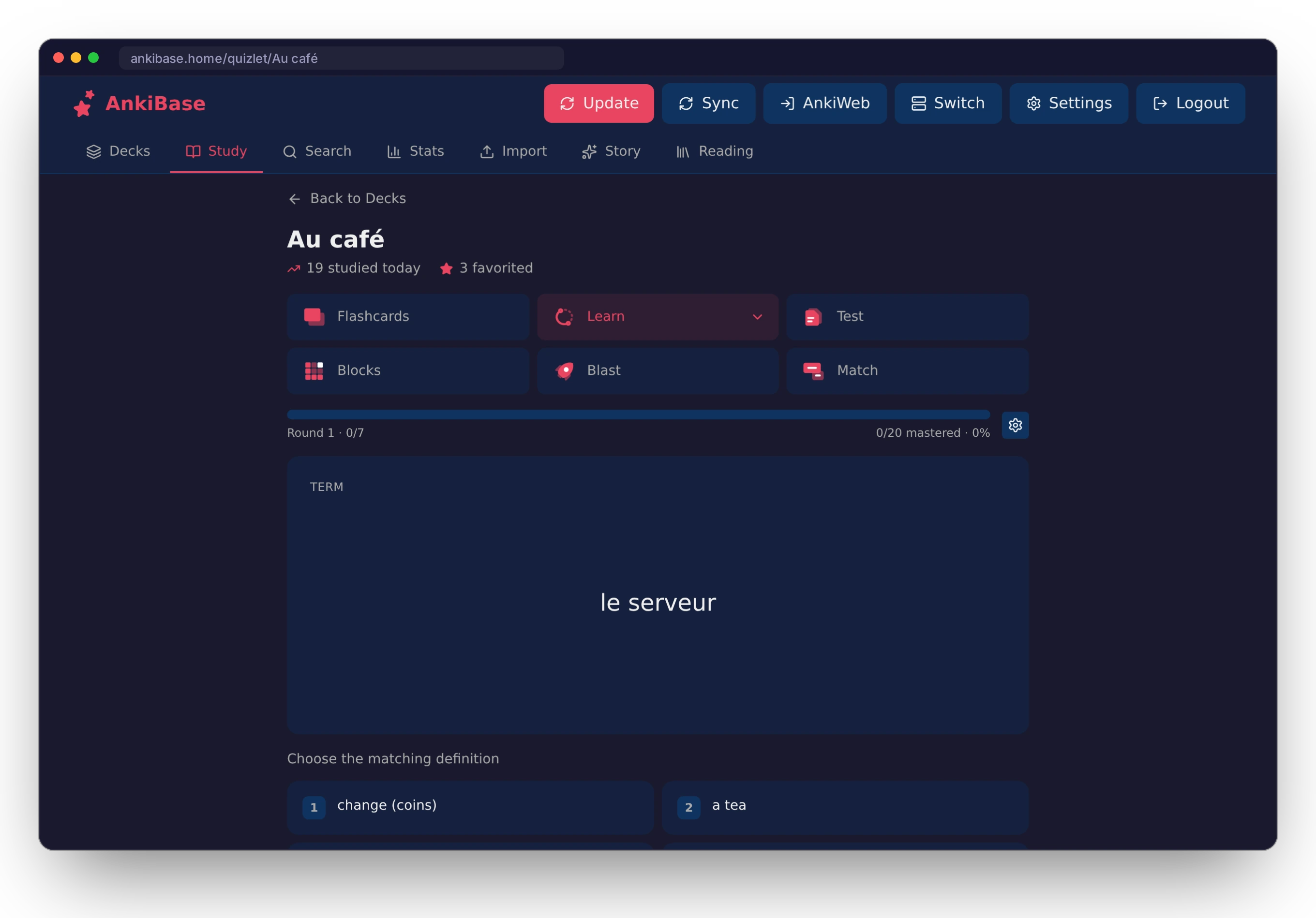
Paste a Quizlet link on Import to bring a set in, images included. Every set has:
- Flashcards with shuffle, star filters and hints
- Learn, which works like Quizlet's: pick a goal, then go round by round from multiple choice to written answers until every term is mastered. Write mode starts with written answers.
- Test with configurable question types
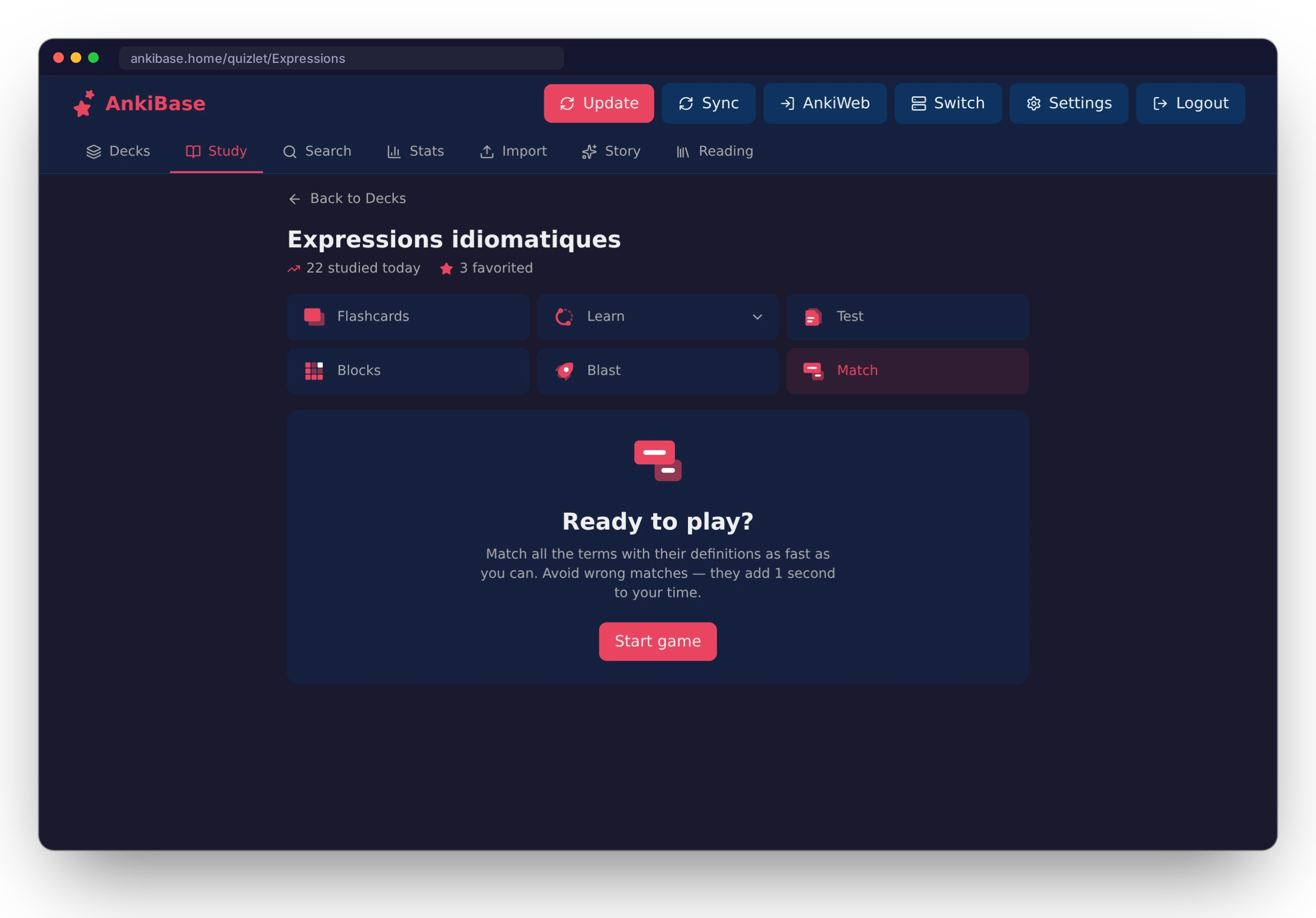
- Match, Blast and Blocks games
Progress saves as you go. The Study tab is a hub of unfinished sessions across Anki and Quizlet.
AI stories and reading
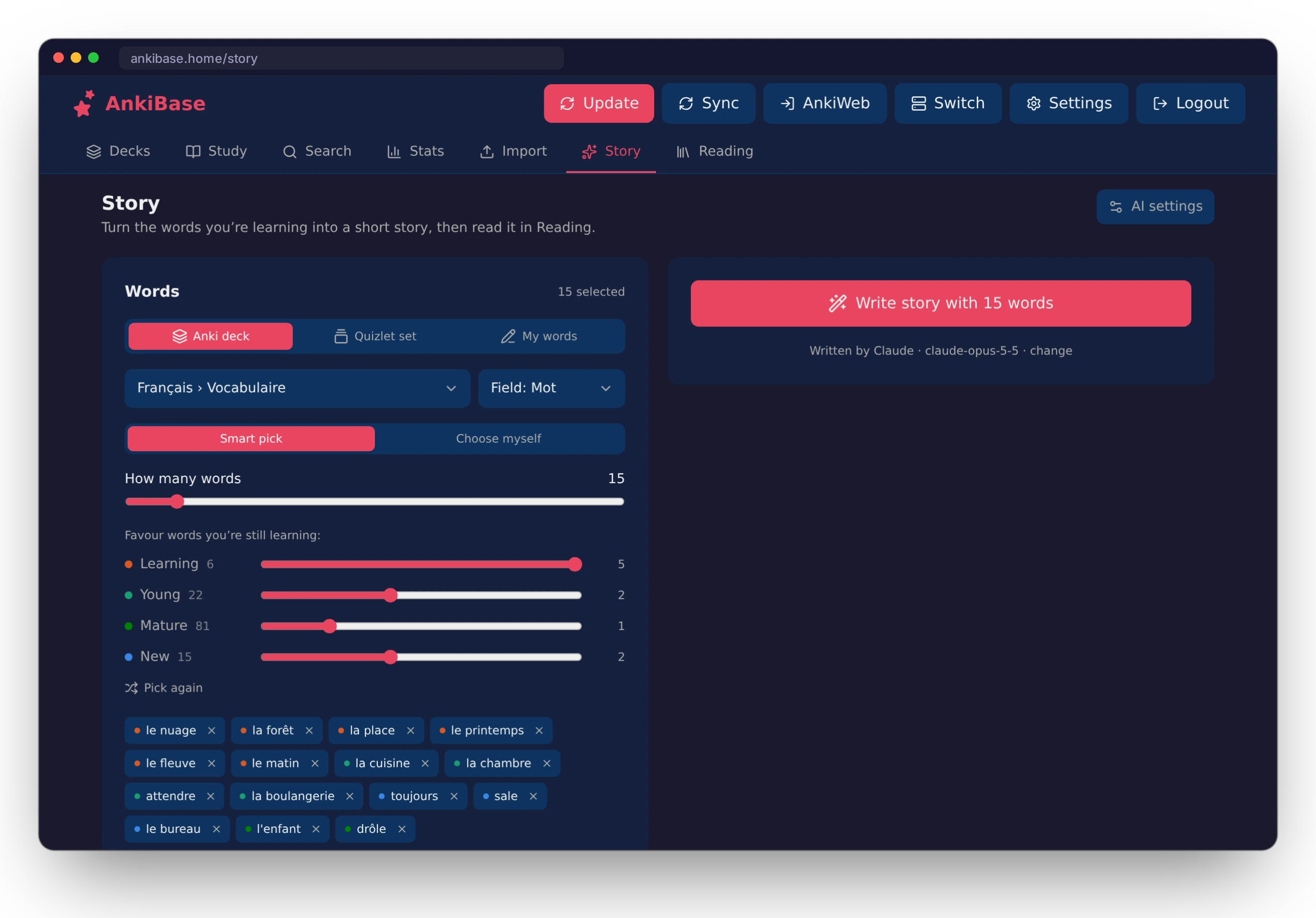
On Story, choose an Anki deck, a Quizlet set or your own word list:
- Smart pick for Anki weights words by card state (learning, young, mature, new).
- Smart pick for Quizlet puts starred terms first, then the terms you miss most.
Then choose the language, your CEFR level, the length, a style, and an optional per-paragraph translation. Stories are written by Claude, ChatGPT or Gemini using your own API key.
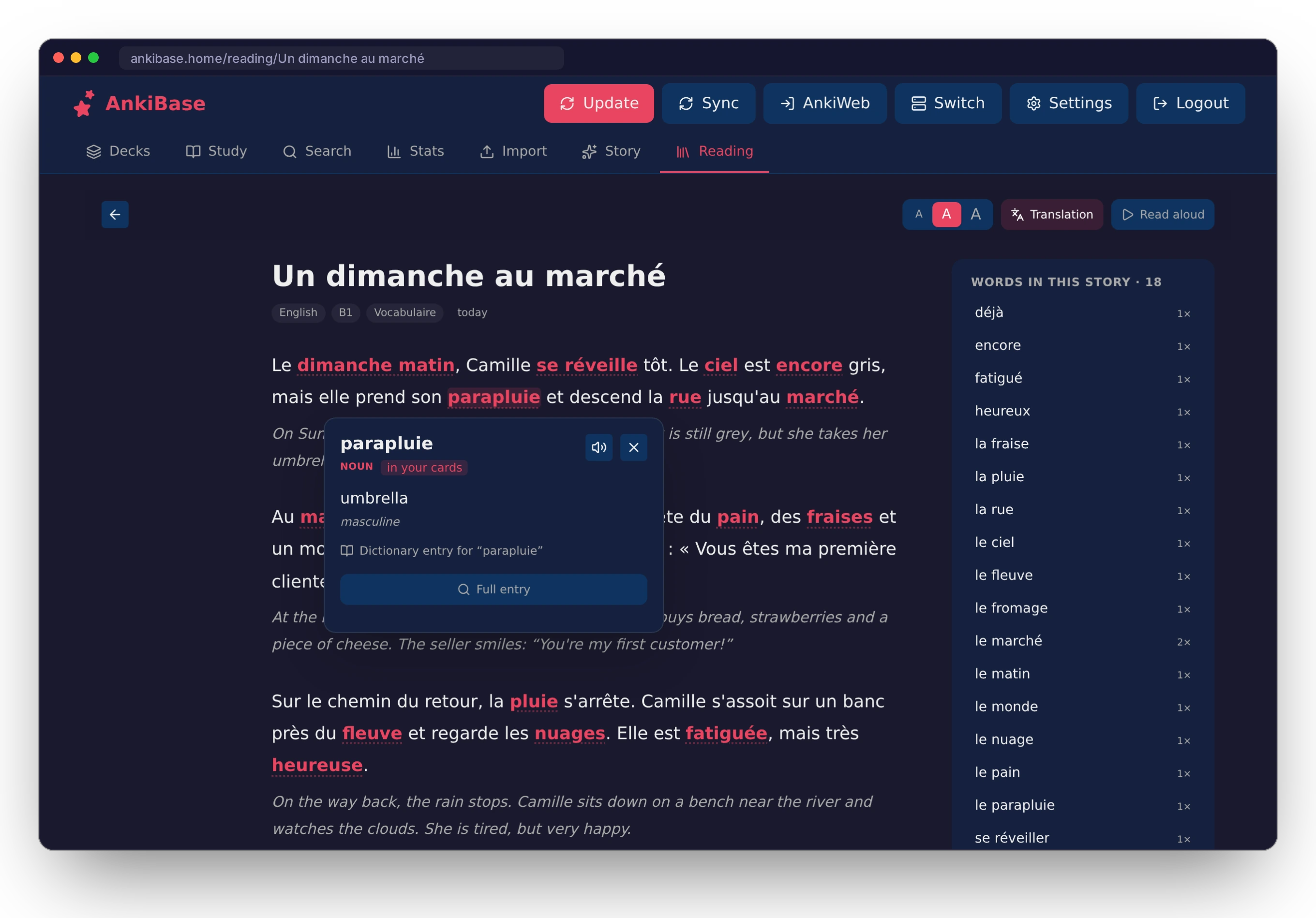
Reading pre-annotates every word of a story, so tapping one shows its dictionary form, part of speech, meaning in context and a grammar note instantly. Highlight any passage and choose Explain for a sentence-level breakdown. Words from your cards, including their inflected forms, are highlighted and listed beside the text.
Search
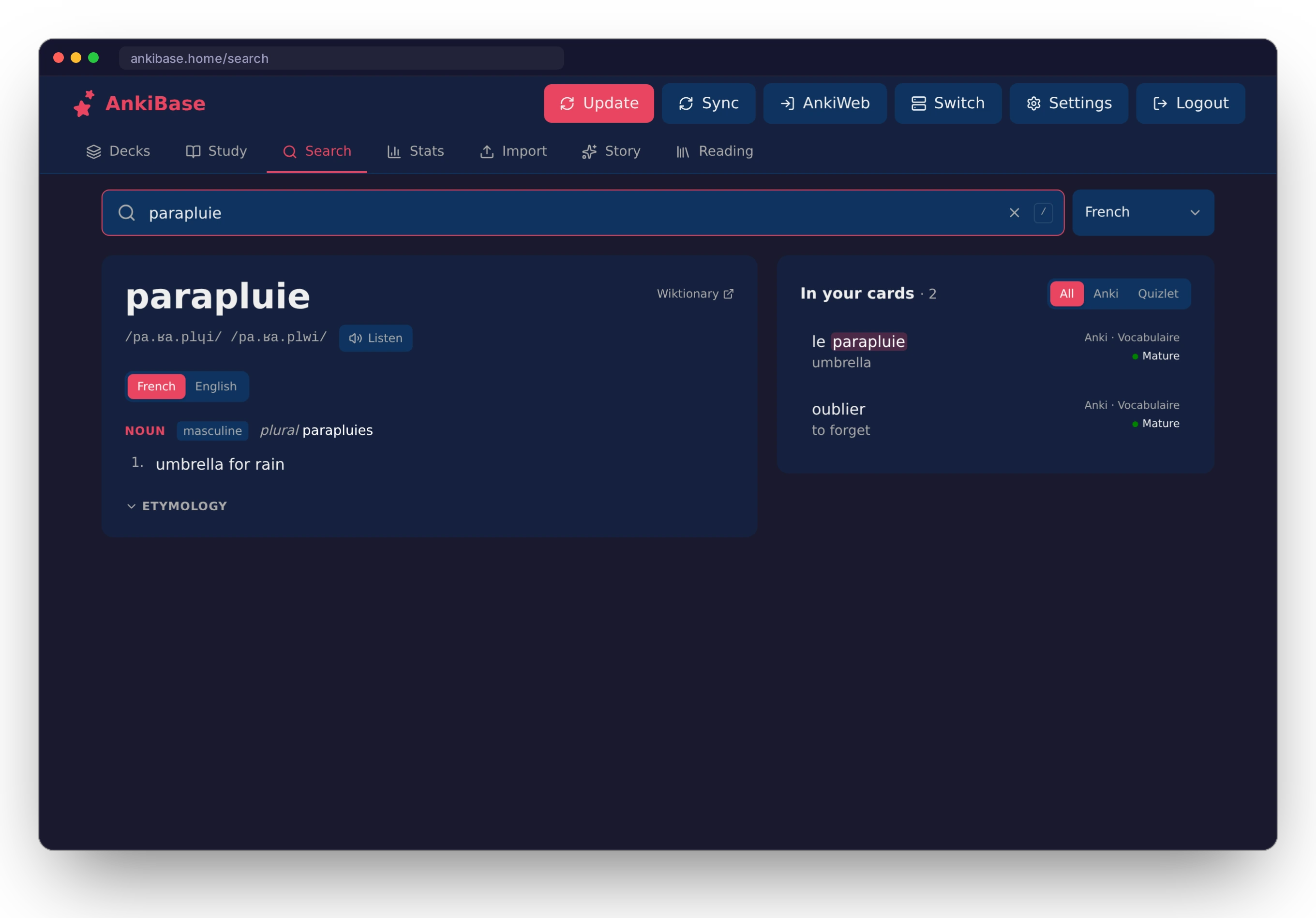
Search reads like a dictionary: pronunciation, senses, gender, plurals and etymology. In your cards lists every Anki note and Quizlet term containing the word, with its state, and you can add a new card from a result.
Stats
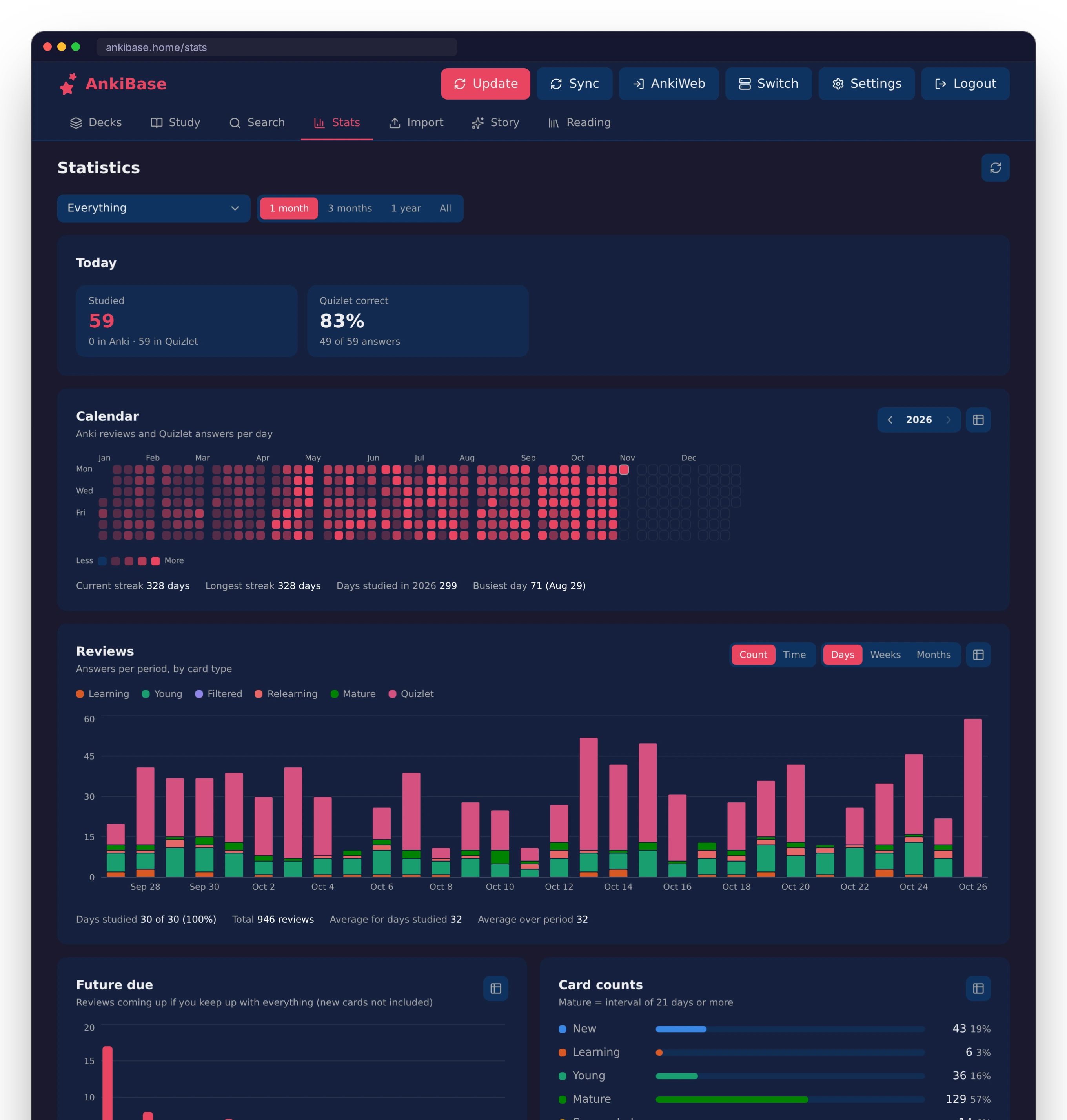
Anki-style statistics for everything, all Anki, all Quizlet, or a single deck or set:
- today's summary and a calendar heatmap
- reviews (count and time) and future due
- card counts, review intervals and card ease
- hourly breakdown and answer buttons
- true retention and cards added
- for Quizlet, the terms you miss most
Themes and settings
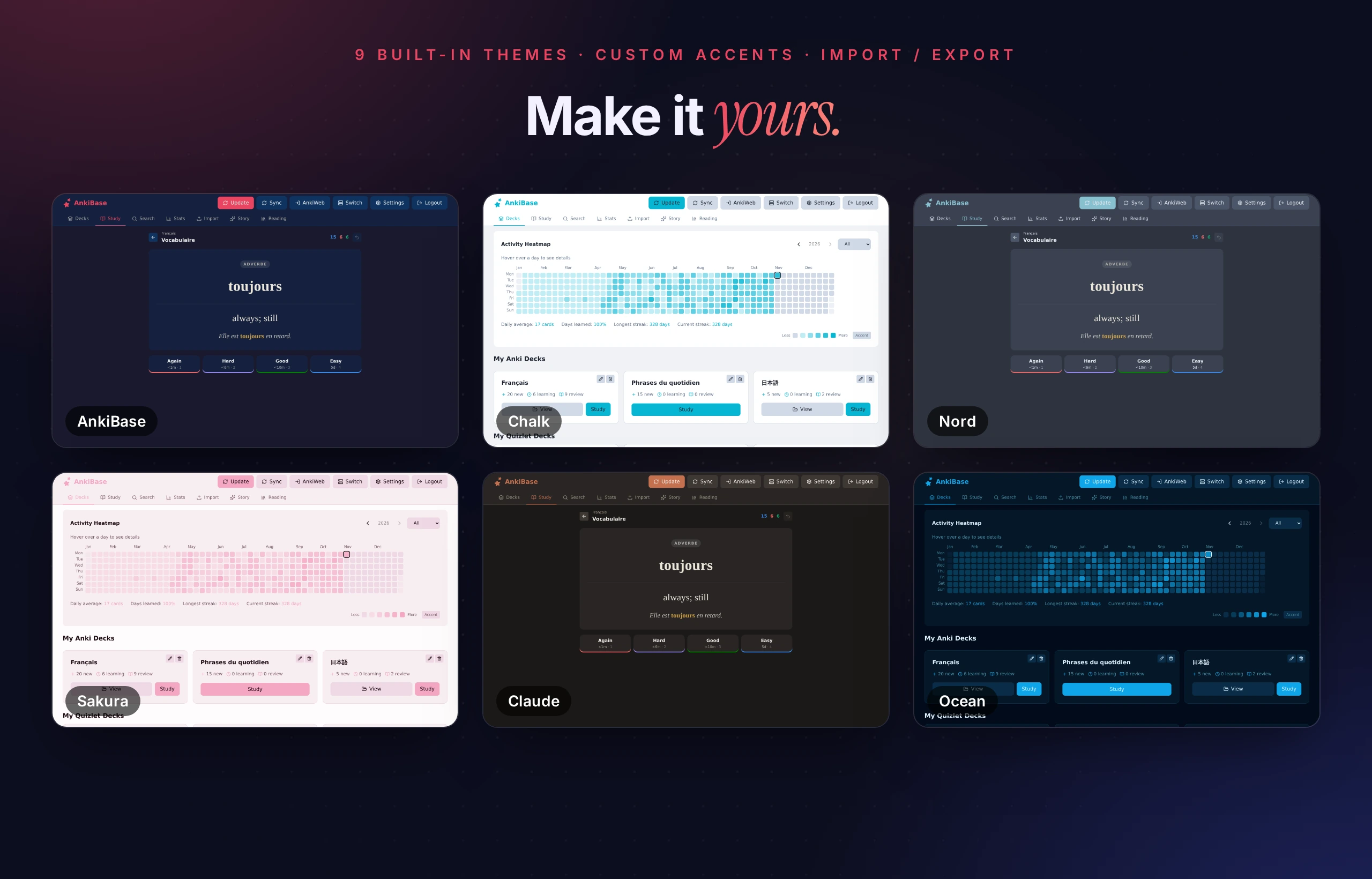
Settings → Appearance has nine built-in themes, custom accent and base colours with a live preview, and theme import/export. Admins can also edit the server default. Other sections cover sync (AnkiWeb, your own sync server, or one AnkiBase runs), language (eight languages), your account and password, AI providers and keys, and users and permissions for admins.
Mobile
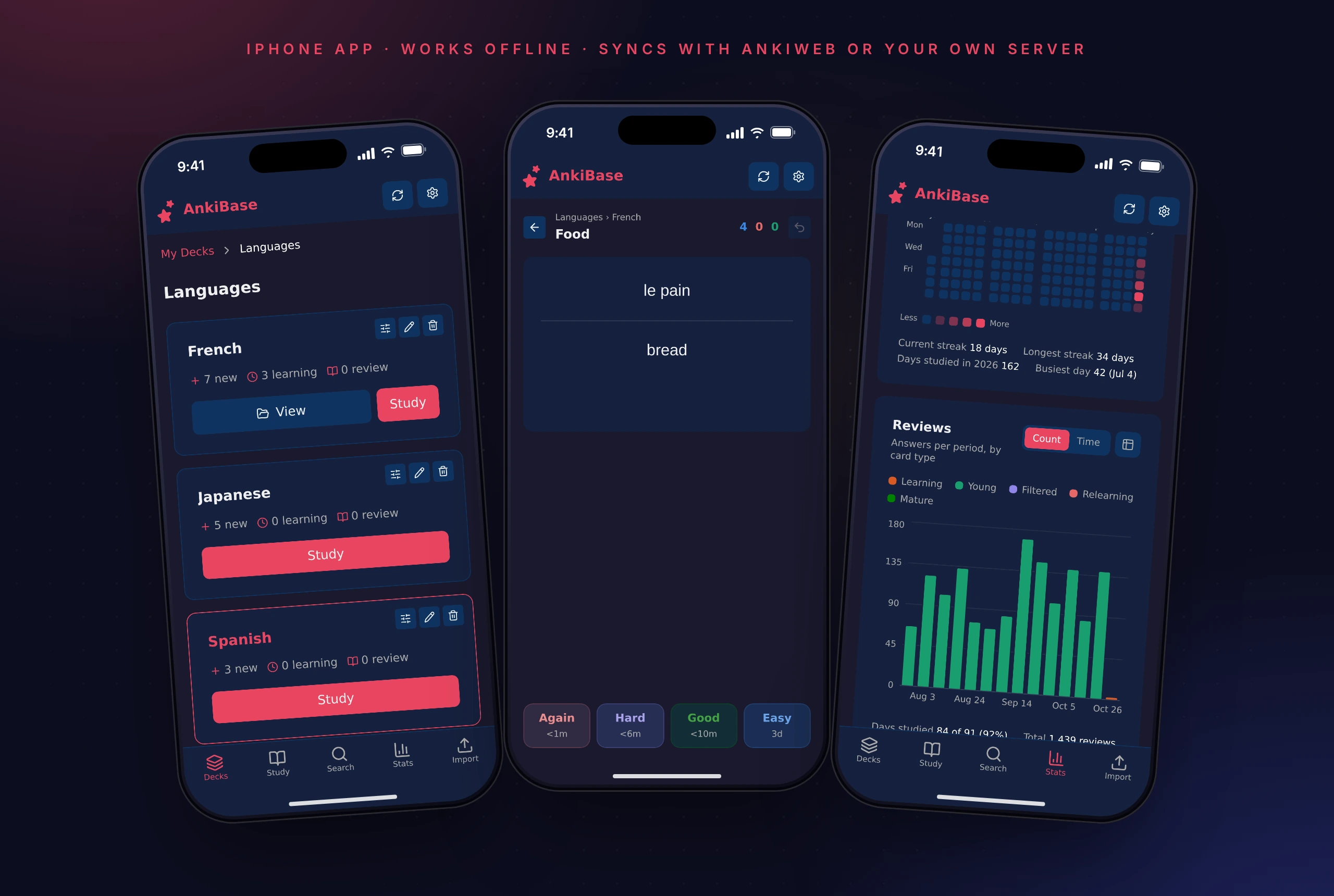
AnkiBase is fully responsive, with a bottom tab bar, safe-area aware layouts and a full-width answer bar.